Important installation note
This is a trial build that has not yet been notarized by Apple.
macOS may display a security warning when you first open it. Notarization is a separate
Apple security-checking process; this trial has not completed that process yet.
Only continue if you intentionally downloaded this PHOCULL trial from this page and trust its source.
If you are unsure, do not bypass the warning.
If you choose to proceed after verifying the source:
- Open the downloaded DMG and move PHOCULL to your Applications folder, if prompted.
- Try opening PHOCULL once so macOS records the warning.
- Open System Settings → Privacy & Security and look for Open Anyway.
- Review the prompt carefully before confirming. The setting may not appear for every type of security block.
For a smoother public release, PHOCULL should be signed with a Developer ID and submitted for Apple notarization.
PHOCULL for Mac: Photo Culling and Organization
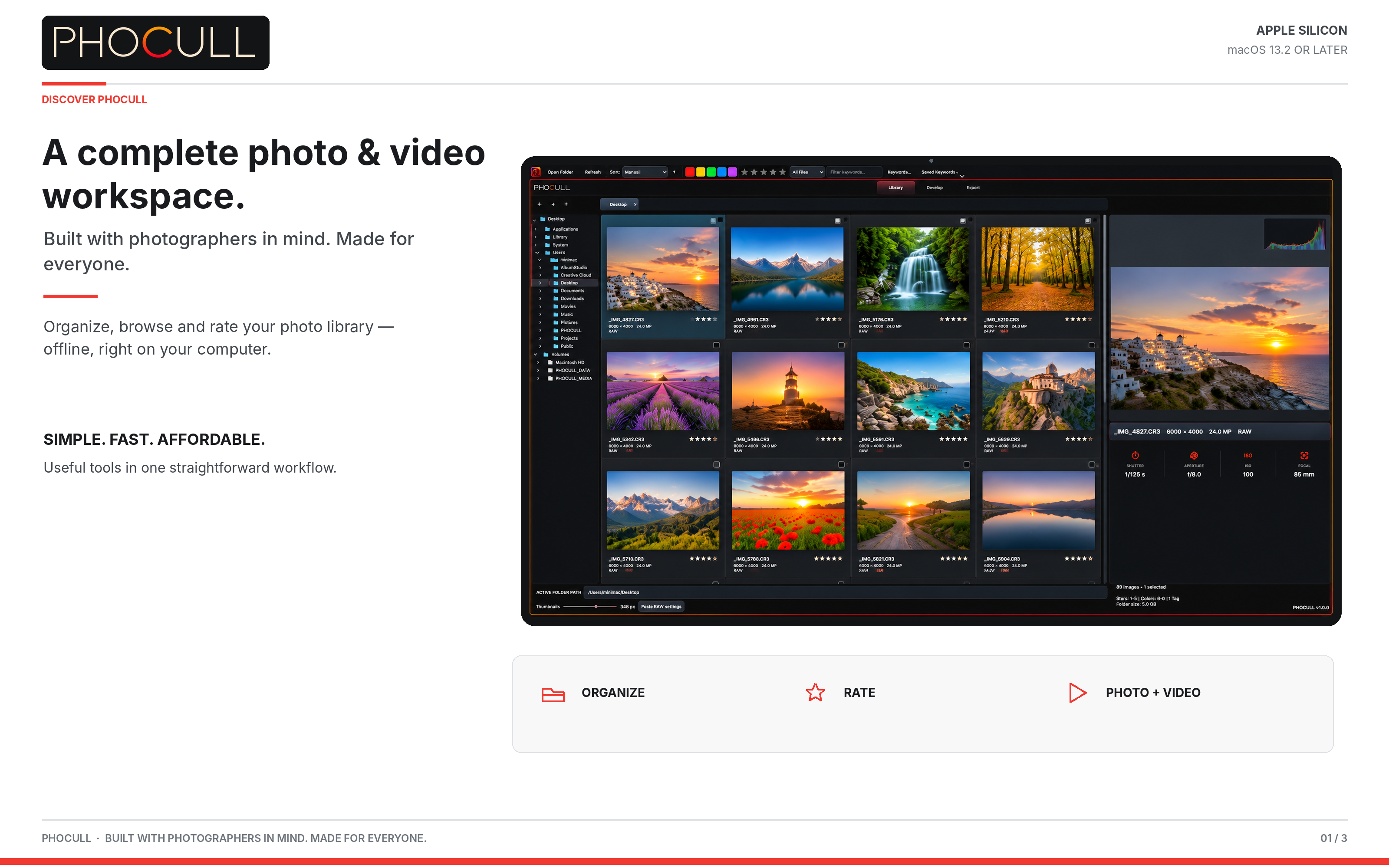
PHOCULL is a simple photo and video workspace for people who want to organize, browse and review their photo library on Mac. Built with photographers in mind and made for everyone.
Photo Culling and Offline Folders
Browse local folders and photos offline, use ratings and available filters to review images, and keep your photo library organized on your computer.
Photo and Video Workflow
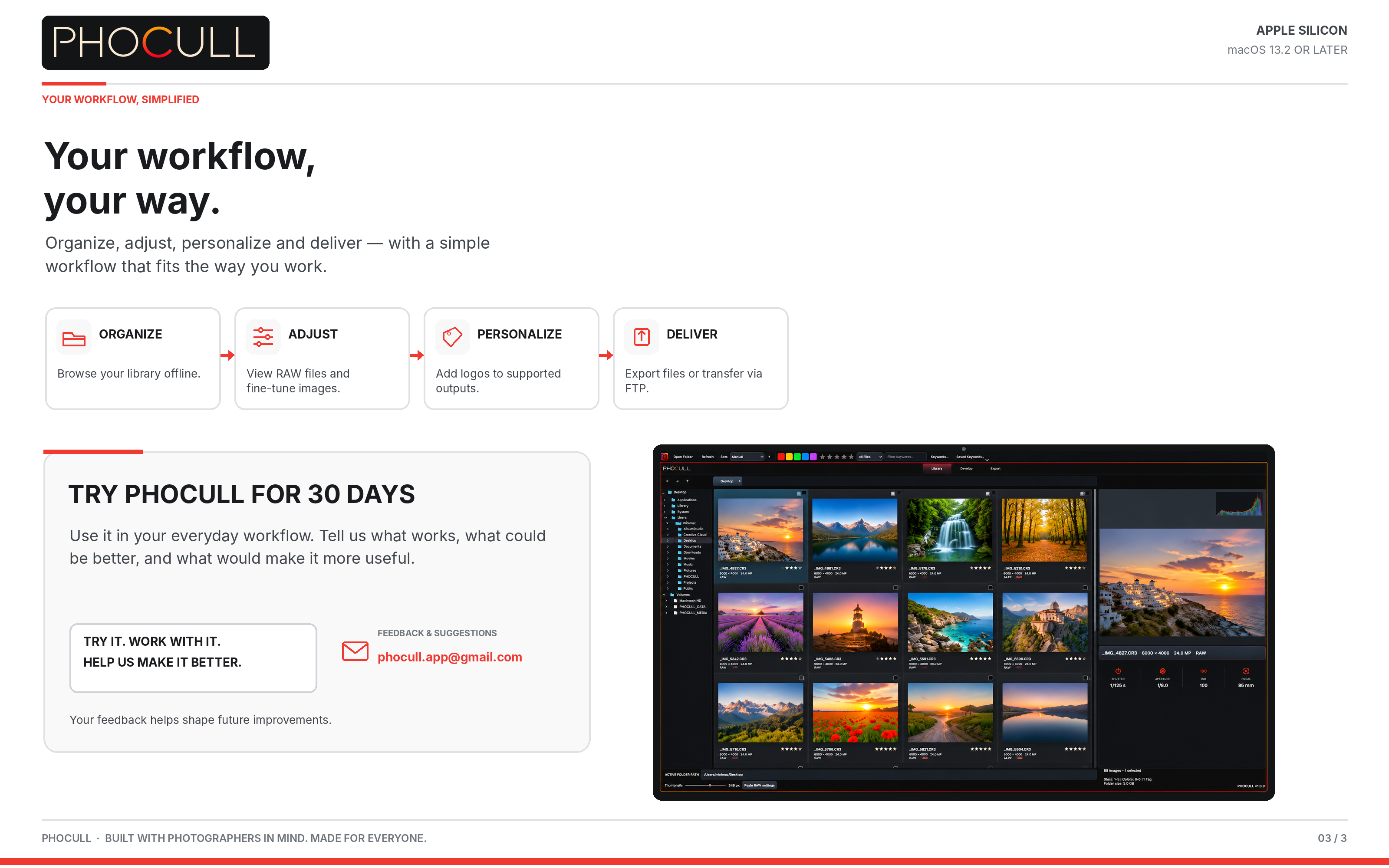
- Browse and organize photo folders offline.
- Rate and filter photos using available features.
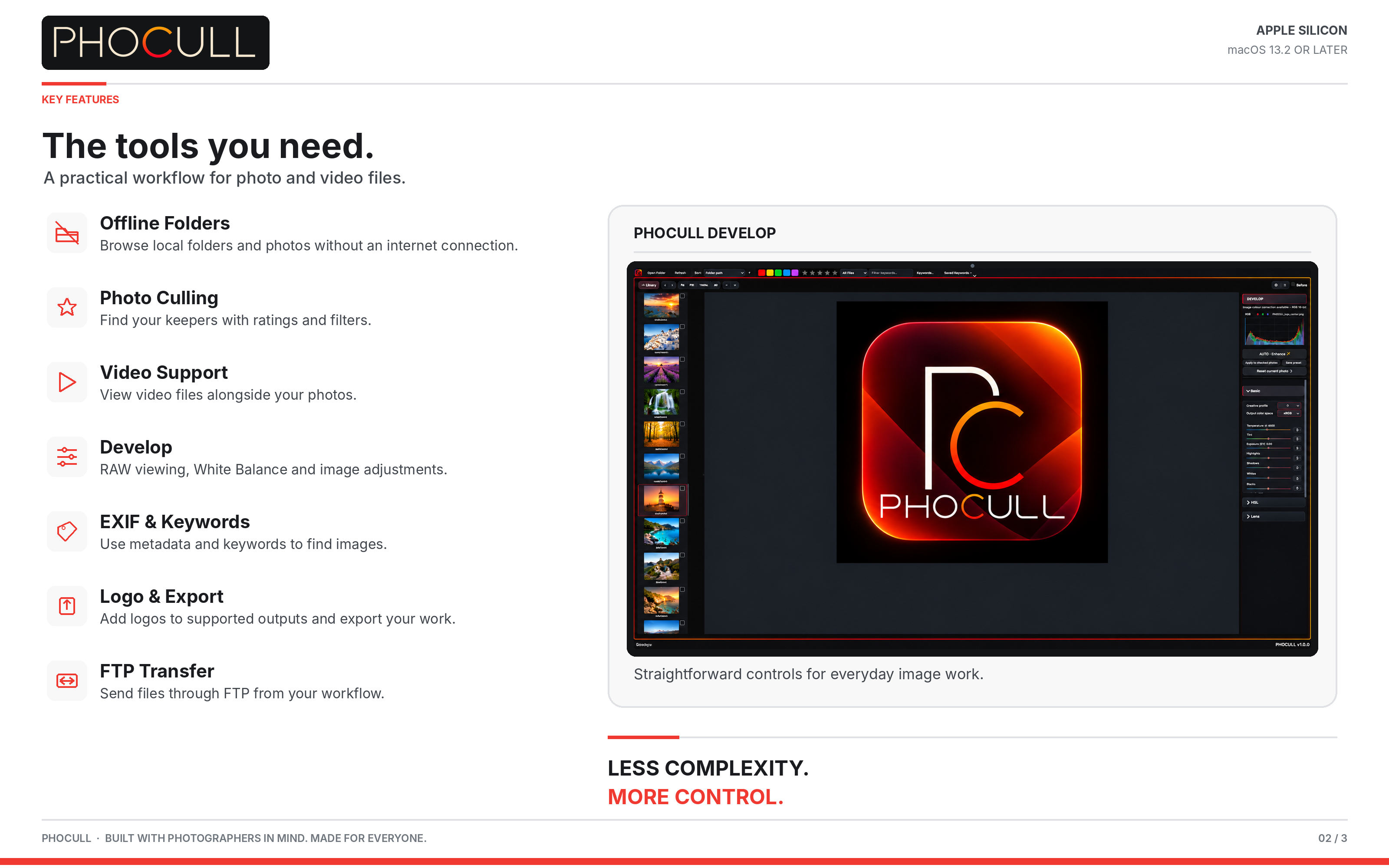
- View supported RAW files and adjust White Balance.
- View video files, add logos to supported outputs and export your work.
- Transfer files via FTP.
Try PHOCULL for 30 Days
Try PHOCULL in your everyday workflow and share feedback at phocull.app@gmail.com.